
Quick Summary
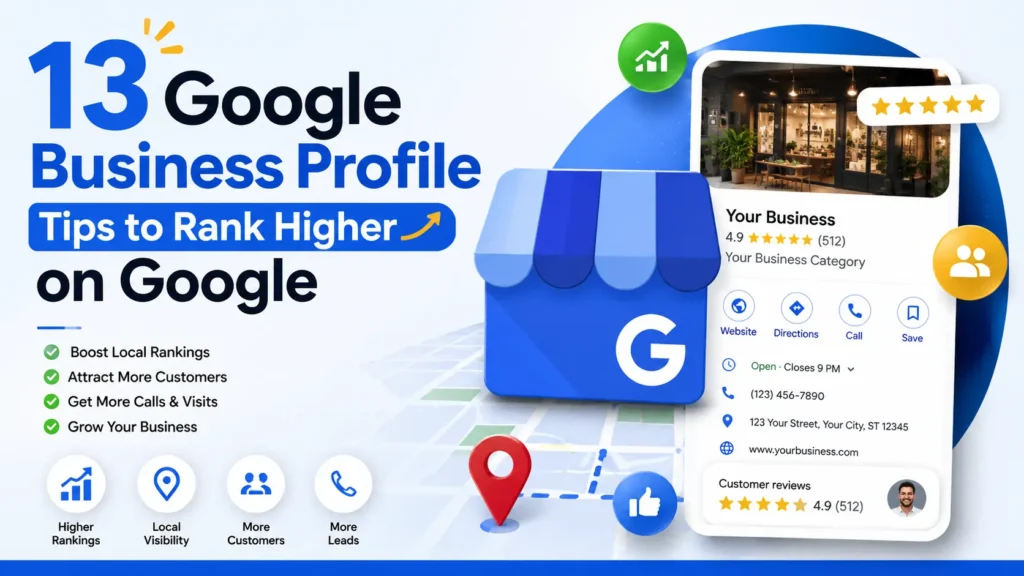
A well-optimized Google Business Profile (GBP) is essential for improving local SEO and increasing visibility on Google Search and Google Maps. By optimizing key elements such as your business information, categories, reviews, photos, business description, and Google Posts, you can improve rankings, attract more customers, and generate more leads. In this guide, we’ll cover 13 proven Google Business Profile tips to help your business rank higher on Google and stand out from local competitors.
Why Google Business Profile Matters for Local SEO
When customers search for products or services near them, Google often displays a Local Pack featuring businesses that best match the search query. Your Google Business Profile plays a significant role in determining whether your business appears in these valuable local search results.
An optimized profile can help you:
- Increase visibility in Google Search and Google Maps
- Drive more website visits and phone calls
- Build trust through customer reviews
- Improve local search rankings
- Generate more leads and sales
If you’re serious about local SEO, optimizing your Google Business Profile should be a top priority.
1. Choose the Right Business Category
Your primary business category is one of the most important ranking factors for local SEO.
Google uses categories to understand what your business offers and when it should appear in search results.
Best Practices:
- Select the most accurate primary category.
- Add relevant secondary categories.
- Review competitor categories for insights.
- Update categories if your services change.
Choosing the wrong category can limit your visibility for relevant searches.
2. Complete Every Section of Your Profile
Google favors complete and accurate profiles.
Make sure your profile includes:
- Business name
- Address
- Phone number
- Website URL
- Business hours
- Services
- Products
- Business description
- Booking links
The more information you provide, the easier it is for customers and Google to understand your business.
3. Use a High-Quality Cover Photo
Your cover photo is often the first visual element customers see.
A professional image can immediately create a positive impression and encourage engagement.
Great Cover Photos Include:
- Storefront images
- Team photos
- Service delivery images
- Popular products
High-quality visuals increase trust and improve profile engagement.
4. Add Your Business Logo
Your logo helps customers recognize and remember your brand.
Ensure your logo is:
- High resolution
- Consistent with your branding
- Clearly visible on desktop and mobile devices
A professional logo strengthens credibility and brand awareness.
5. Write an SEO-Friendly Business Description
Your business description gives you an opportunity to explain what you do and include relevant keywords naturally.
Include:
- Core services
- Target audience
- Unique selling points
- Service areas
Avoid keyword stuffing and focus on providing valuable information to potential customers.
Example:
“We provide professional HVAC installation, repair, and maintenance services for residential and commercial customers throughout the region. Our experienced technicians deliver reliable solutions, exceptional customer service, and fast response times.”
6. Keep Your Business Information Accurate
Consistency is critical for local SEO.
Regularly verify:
- Business name
- Address
- Phone number
- Website URL
- Service areas
Inconsistent information across online directories can negatively impact your rankings.
7. Encourage More Customer Reviews
Reviews are one of the strongest local ranking factors.
Businesses with more positive reviews tend to attract more clicks and conversions.
How to Get More Reviews:
- Ask satisfied customers directly.
- Send review requests via email.
- Include review links in follow-up messages.
- Train staff to request feedback.
Always follow Google’s review guidelines and avoid offering incentives.
8. Respond to Every Review
Review responses demonstrate that you value customer feedback.
Whether the review is positive or negative, respond professionally and promptly.
Benefits:
- Builds trust
- Improves customer relationships
- Encourages future reviews
- Signals engagement to Google
A thoughtful response can turn a negative experience into a positive impression.
9. Upload Photos Regularly
Google prefers active profiles.
Businesses that frequently upload photos often receive more engagement than those with outdated content.
Photo Ideas:
- Team members
- Completed projects
- Office or storefront
- Products
- Events
- Before-and-after results
Aim to add new photos at least once per week.
10. Publish Google Posts Consistently
Google Posts allow you to share updates directly on your profile.
Post Ideas:
- Promotions
- New services
- Company news
- Seasonal offers
- Educational content
- Customer success stories
Regular posting keeps your profile fresh and encourages customer interaction.
11. Enable Booking and Appointment Features
If your business accepts appointments, activate booking functionality whenever possible.
Benefits include:
- Increased conversions
- Better customer experience
- Faster lead generation
- Simplified scheduling
Reducing friction in the customer journey can significantly improve results.
12. Add Social Media Profiles
Connecting your social media profiles strengthens your online presence and provides additional trust signals.
Consider linking:
- YouTube
- X (Twitter)
A strong online presence across multiple platforms helps reinforce your brand authority.
13. Keep Business Hours Updated
Nothing frustrates customers more than finding incorrect business hours.
Update your profile whenever there are changes, including:
- Holidays
- Seasonal schedules
- Special events
- Temporary closures
Accurate hours improve customer satisfaction and prevent missed opportunities.
Common Google Business Profile Mistakes to Avoid
Even well-intentioned businesses make mistakes that can hurt local rankings.
Avoid:
- Keyword stuffing your business name
- Using inaccurate categories
- Ignoring reviews
- Leaving profile sections incomplete
- Uploading low-quality photos
- Providing inconsistent contact information
- Neglecting profile updates
Maintaining accuracy and consistency is essential for long-term success.
Final Thoughts
Your Google Business Profile is one of the most powerful local SEO tools available. Businesses that actively manage and optimize their profiles consistently outperform competitors in local search results.
By implementing these 13 Google Business Profile tips, you can improve your visibility on Google Search and Google Maps, attract more qualified customers, generate more reviews, and ultimately grow your business.
Start by optimizing the basics, then focus on ongoing improvements such as collecting reviews, posting updates, and keeping your information current. Over time, these small actions can lead to significant improvements in local rankings and customer acquisition.