Key Highlights
404 errors do not automatically harm Google search rankings.
Redirect missing pages only when a relevant replacement exists.
Use 404 or 410 status codes when pages are permanently removed.
Avoid redirecting every missing URL to the homepage.
Custom 404 pages can help visitors find useful content.
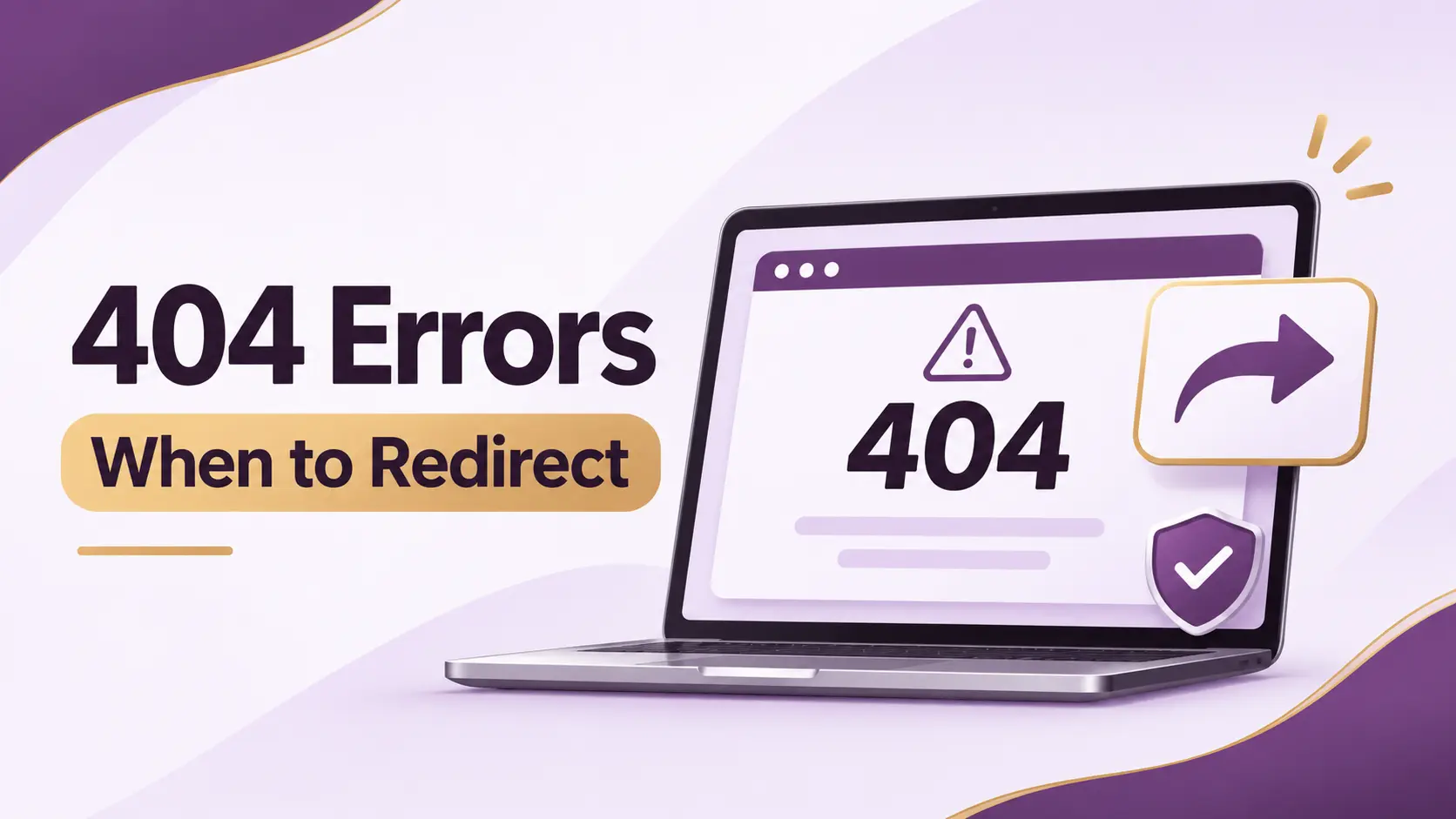
Google has explained how website owners should handle 404 errors, when to redirect missing pages, and why custom 404 pages can improve the user experience.
In a discussion featuring Google's Gary Illyes and Cherry Sireetorn Prommawin, the search experts explained that 404 errors are a normal part of the web. Instead of fixing every missing URL, website owners should focus on whether a replacement exists and how visitors can find useful content.
Are 404 Errors Bad for SEO?
A 404 error occurs when a requested webpage cannot be found. This can happen when an article is removed, a product is discontinued, or a website URL changes.
According to Google's guidance, 404 errors are a normal part of website management. A missing page does not automatically result in a ranking penalty or negatively affect other healthy pages on a website.
Gary Illyes explained:
"An HTTP 404 status code literally just means not found. It is a perfectly natural, healthy part of the web."
Google can eventually remove URLs from its index when they return a 404 response.
This means website owners do not need to fix every 404 error reported in Google Search Console. They should first check whether the missing page still provides value to visitors.
For more information about improving website visibility, explore my SEO services.
When Should You Redirect a 404 Page?
A redirect makes sense when a missing page has a relevant replacement.
For example, if an online store removes an older product but offers a newer version, redirecting the old product URL to the new product page can help visitors find what they need.
Similarly, an outdated article can be redirected to an updated version covering the same topic.
Cherry Sireetorn Prommawin explained:
"If the dead URL still gets traffic from all links or social media, you might choose to guide those users to a newer product model using a redirect."
However, redirecting every missing URL to the homepage is not recommended. Visitors should be directed to a page that matches their original intent.
When Should You Keep a 404 or 410 Error?
If a page has been permanently removed and no relevant replacement exists, it is generally appropriate to return a 404 or 410 status code.
A 404 response means the requested page was not found. A 410 response indicates that the resource is gone.
For example, if a product is permanently discontinued and there is no suitable alternative, the original URL can remain unavailable.
Google can process the URL accordingly and eventually remove it from its search index.
There is no need to create an unrelated redirect simply to eliminate a 404 error.
Why Are Custom 404 Pages Important?
Although 404 errors are normal, the experience visitors have when they reach a missing page still matters.
A basic error message may leave visitors unsure about what to do next. A custom 404 page can help them continue browsing instead of leaving the website.
Prommawin recommended:
"Make the 404 page as helpful as possible. Instead of hiding the error from humans, embrace it."
She also recommended including a friendly message, a search bar, and links to useful website sections.
A helpful custom 404 page should include:
A clear message: Explain that the requested page could not be found.
A search bar: Help visitors find relevant information.
Useful navigation links: Direct visitors to important pages and categories.
Popular content: Highlight relevant articles or products.
A homepage link: Give visitors an easy way to continue browsing.
These features can improve navigation and help visitors discover other useful content.
How to Handle 404 Errors for Better Website Performance
Follow these practical steps to manage missing pages effectively.
1. Check Google Search Console
Review the Pages report to identify missing URLs. Check important URLs individually before deciding whether action is necessary.
2. Fix Broken Internal Links
Update links on your website that point to pages that no longer exist. This helps visitors navigate your website without encountering unnecessary errors.
3. Use Relevant Redirects
Redirect old URLs when a suitable replacement exists. Make sure the destination matches the original page's purpose.
4. Keep Permanently Deleted Pages Unavailable
If there is no relevant replacement, allow the URL to return a proper 404 or 410 response.
5. Create a Custom 404 Page
Add a clear message, search functionality, and useful links to help visitors find the information they need.