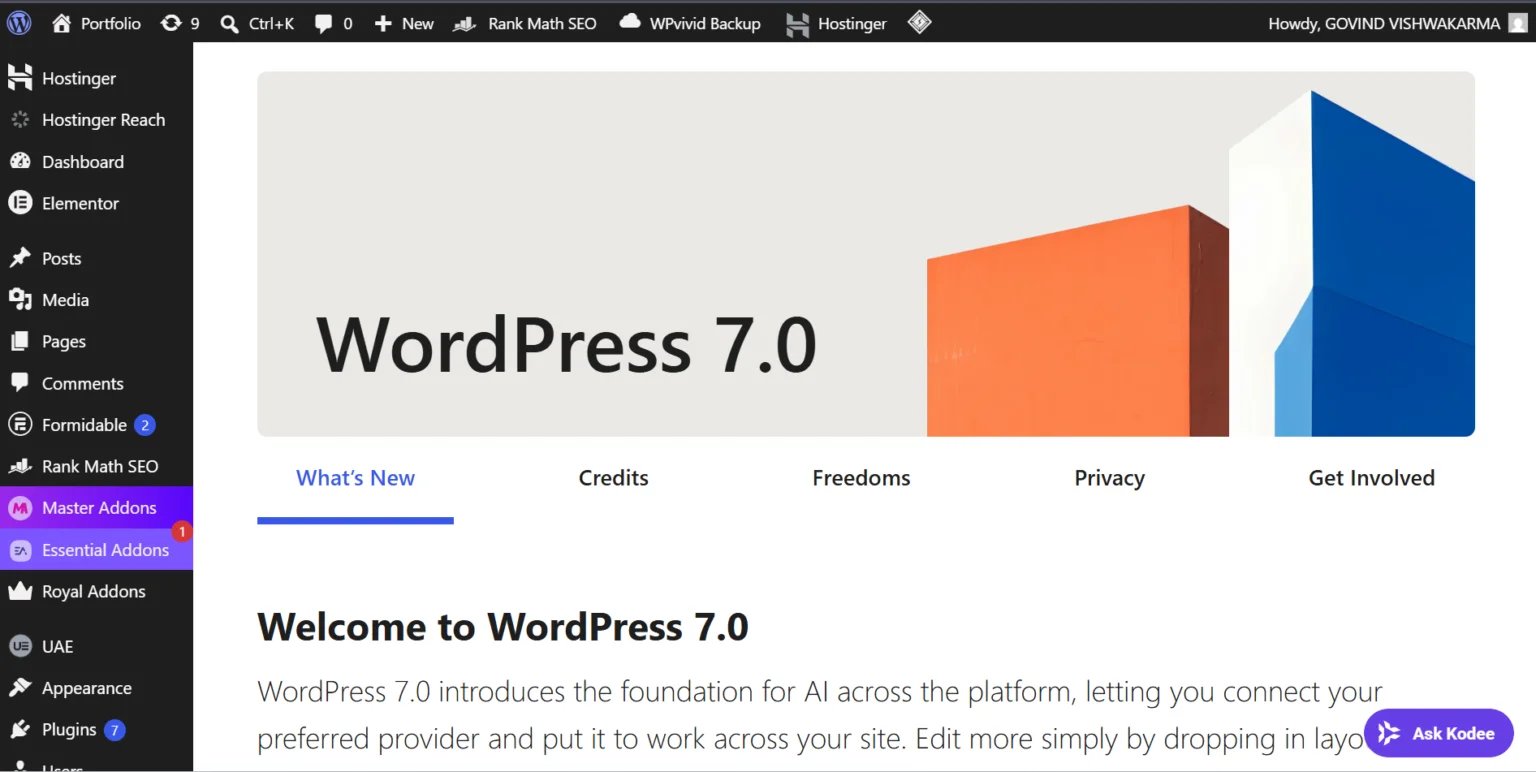
WordPress has officially entered a new era with the release of WordPress 7.0. This major update introduces significant improvements across the platform, including AI-ready infrastructure, a redesigned admin experience, enhanced design tools, and powerful new developer capabilities.
Whether you’re a website owner, blogger, agency, or WordPress developer, WordPress 7.0 brings changes that can improve productivity, streamline workflows, and prepare your site for the future.
Quick Summary
AI-ready infrastructure built into WordPress core
New AI Client and Abilities API for plugin developers
Modernized WordPress admin dashboard
Faster navigation with the Command Palette (Ctrl + K)
Improved typography and font management tools
Better responsive design editing experience
Enhanced block editor performance
Improved developer APIs and workflows
Visual revision history for design changes
In this guide, we’ll explore the most important features, what they mean for your website, and how to safely upgrade.
What Is WordPress 7.0?
WordPress 7.0 is the first major WordPress release of 2026 and represents one of the most ambitious updates since the introduction of the Block Editor (Gutenberg). The release focuses on three major areas:
AI foundations built directly into WordPress core
A modernized admin dashboard experience
Improved developer and content creation workflows
The update is designed to make WordPress more scalable, collaborative, and future-ready.
1. AI Foundations Arrive in WordPress Core
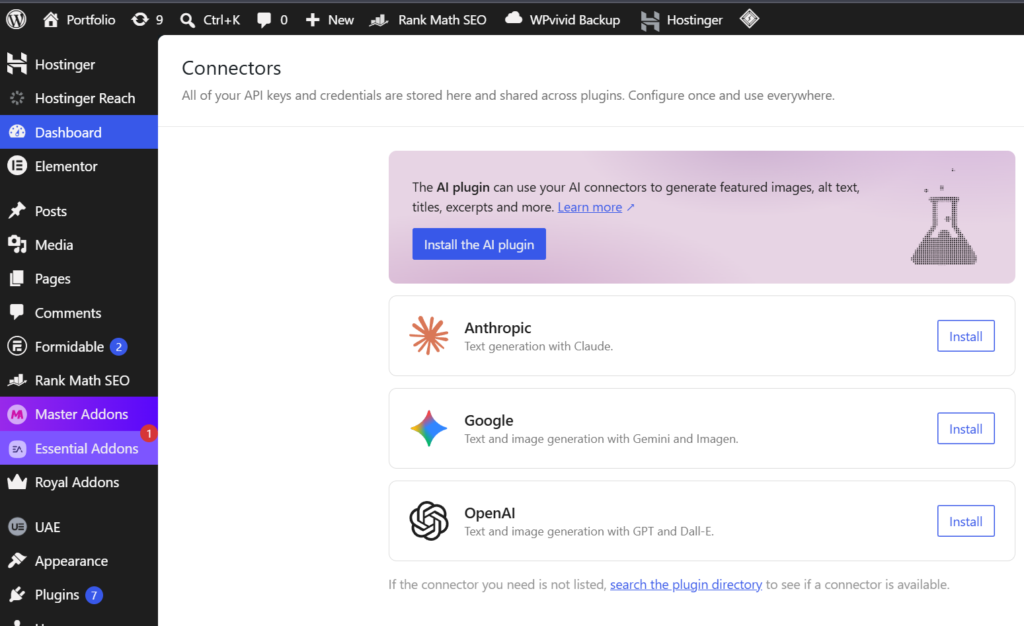
One of the most talked-about additions in WordPress 7.0 is its AI infrastructure.
Instead of embedding a specific AI model into WordPress, the platform now includes a provider-agnostic AI framework that allows plugins and tools to connect with services such as OpenAI, Anthropic, Gemini, and future AI providers.
Key components include:
AI Client
A centralized system that allows WordPress to communicate with external AI services without requiring every plugin to create its own integration.
Abilities API
A structured way for WordPress to expose actions and capabilities that AI tools can understand and interact with.
AI Connectors
A new management interface that allows administrators to configure and manage AI providers more efficiently.
This lays the foundation for future AI-powered content creation, automation, customer support, SEO assistance, and workflow management.
2. Completely Refreshed Admin Dashboard
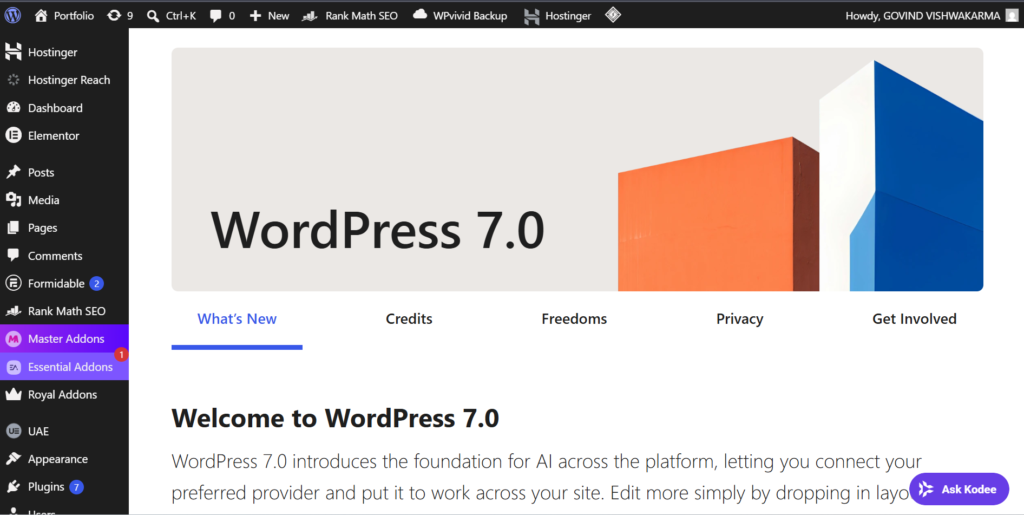
WordPress 7.0 introduces one of the largest visual refreshes to the admin experience in years.
Notable improvements include:
Updated admin color schemes
Improved typography and spacing
Better accessibility and contrast
Smoother page transitions
Faster navigation across admin screens
The goal is to create a cleaner and more modern workspace for website administrators and content creators.
3. Command Palette for Faster Navigation
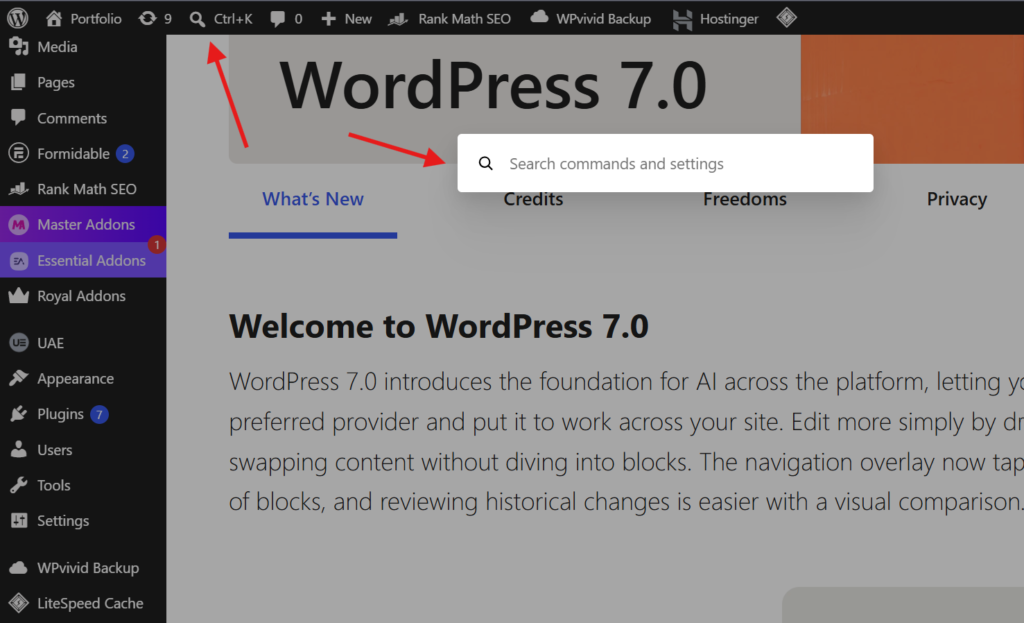
The Command Palette becomes a core productivity feature in WordPress 7.0.
By pressing:
Ctrl + K (Windows)
Command + K (Mac)
Users can quickly search for settings, pages, templates, posts, and administrative actions without navigating through multiple menus.
For power users and agencies managing large websites, this can significantly speed up daily workflows.
4. Enhanced Design and Typography Controls
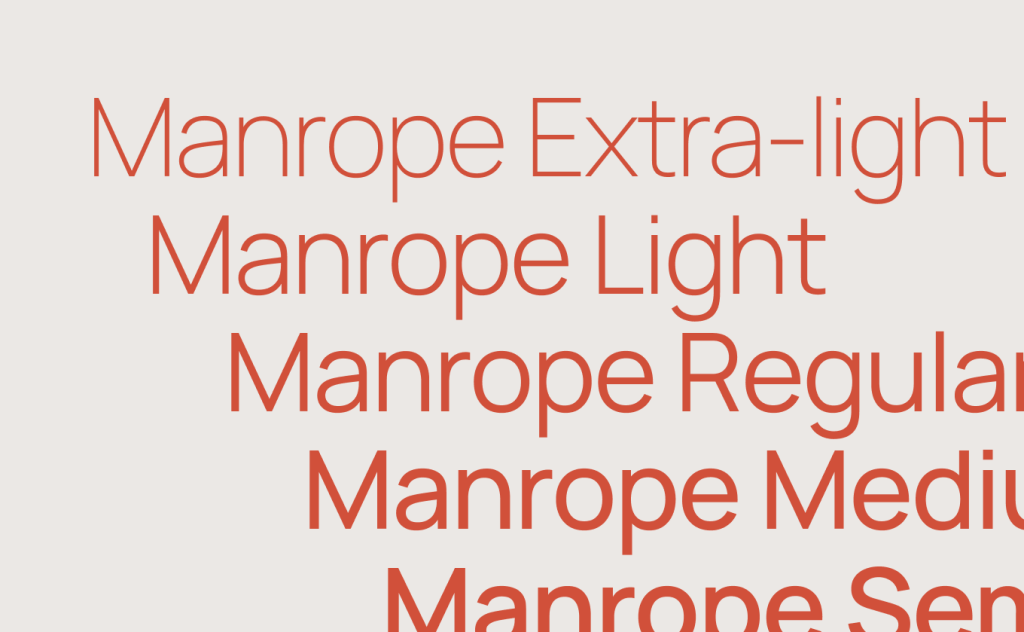
Designers gain more flexibility through several new tools:
Font Library
A dedicated interface for managing fonts across websites.
Visual Revisions
Users can now preview visual changes made to content and design elements before restoring previous versions.
Responsive Editing
Content creators can better optimize layouts for different screen sizes without relying heavily on external page builders.
These improvements help reduce dependency on third-party plugins while giving site owners more control over design.
5. Better Developer Experience
WordPress 7.0 introduces several changes aimed at developers and agencies.
Highlights include:
Expanded APIs
Improved DataViews architecture
Better support for modern JavaScript workflows
Enhanced block development capabilities
Improvements to iframe-based editor environments
Developers maintaining custom themes, plugins, or enterprise WordPress projects should thoroughly test compatibility before upgrading production websites.
6. Collaboration and Workflow Improvements
The WordPress project continues advancing Phase 3 of the Gutenberg roadmap, focused on collaboration and editorial workflows.
Many of the new infrastructure updates in WordPress 7.0 are designed to support future collaborative editing experiences and team-based publishing workflows.
For agencies, news publishers, and content teams, these changes indicate where WordPress is heading over the next several years.
Before You Upgrade to WordPress 7.0
Although the update is exciting, website owners should follow standard upgrade best practices.
Create a Full Backup
Always back up:
Website files
Database
Themes
Plugins
Test on a Staging Site
Verify compatibility for:
Custom themes
Page builders
WooCommerce
SEO plugins
Custom-developed functionality
Update Plugins First
Make sure all critical plugins support WordPress 7.0 before updating your production environment.
Should You Upgrade Immediately?
For most website owners, the answer is yes—but only after testing.
WordPress 7.0 release notes brings meaningful improvements in performance, usability, design flexibility, and future AI integration. However, websites relying on custom code or older plugins should perform compatibility testing before deploying the update live.
Final Thoughts
WordPress 7.0 is more than just another version update. It represents a major step toward a smarter, more modern, and more flexible content management system.
From AI-ready infrastructure and a redesigned admin experience to better developer tools and enhanced design capabilities, WordPress 7.0 lays the groundwork for the next generation of website creation.
If you’re running a WordPress website, now is the perfect time to review your plugin stack, test the new release, and prepare your site for the future.