Key Highlights -
Enhanced Security: WordPress 7.1.3 includes seven security fixes to help protect websites.
Bug Fixes: Four bug fixes improve stability and resolve reported issues.
Responsive Styling: WordPress 7.1 offers more flexible styling controls for different screen sizes.
Improved Media Editor: Enhanced media editing capabilities make content management easier.
Better Collaboration: Improved Notes features support team feedback and content collaboration.
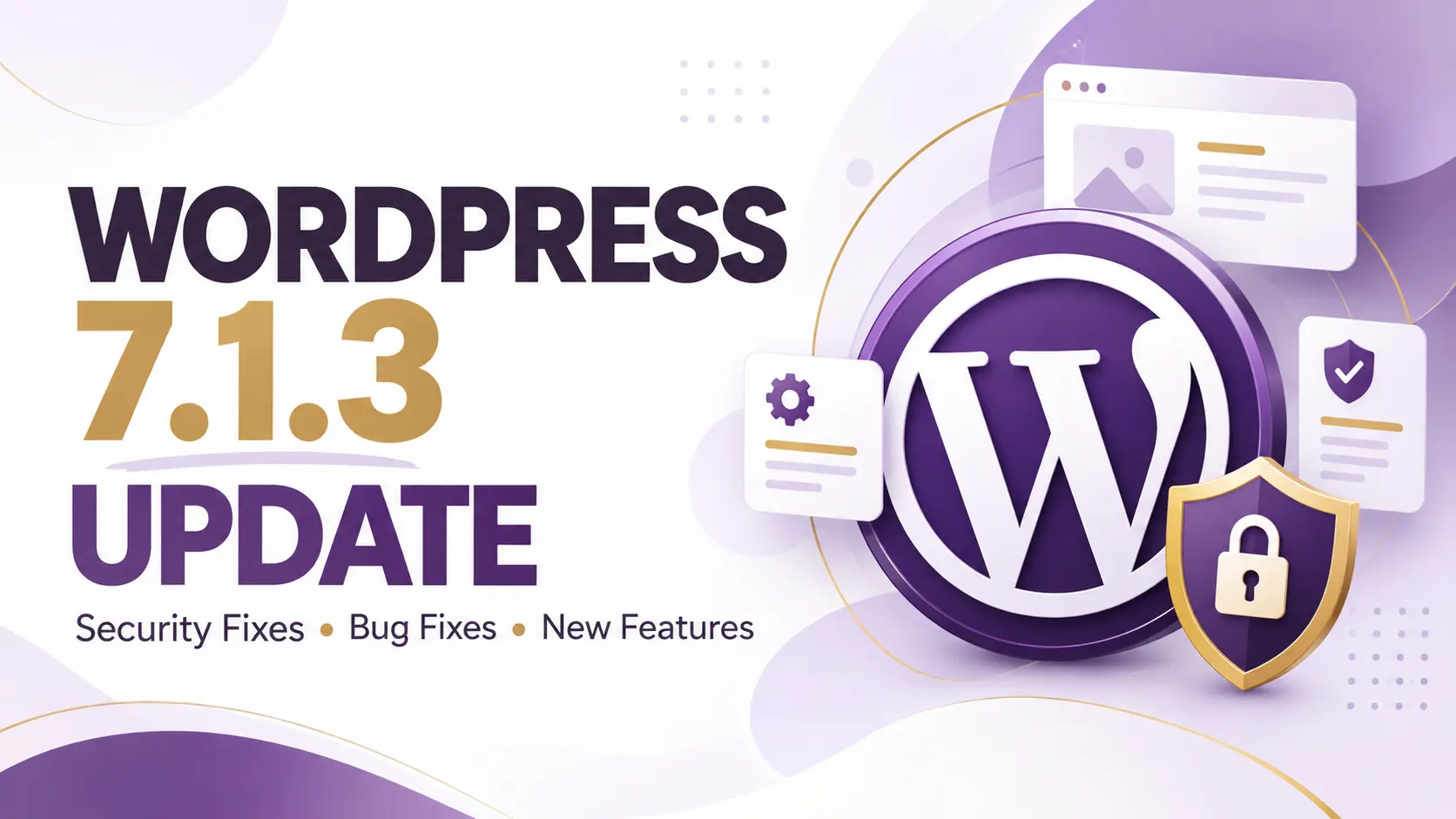
WordPress continues to improve its website management platform with regular updates focused on security, performance and usability. On October 6, 2026, WordPress released version 7.1.3, a maintenance and security update that includes seven security fixes and four bug fixes. Website owners are encouraged to install this release to help protect their websites.
What Is New in WordPress 7.1.3?
WordPress 7.1.3 focuses primarily on security and stability rather than introducing major new features. The update addresses several reported vulnerabilities and fixes issues affecting WordPress functionality.
Key improvements include:
Security enhancements: Seven security fixes address vulnerabilities affecting WordPress core.
Bug fixes: Four bug fixes improve the platform's stability and reliability.
Safer website management: Updating helps website owners reduce exposure to known security issues.
Improved reliability: Maintenance updates help keep WordPress websites running smoothly.
According to the official WordPress release announcement, installing this security update promptly is recommended.
Key Features of WordPress 7.1
The major WordPress 7.1 release, launched on August 19, 2026, introduced several improvements for website owners, designers and developers.
1. Responsive Styling Controls
WordPress 7.1 introduced more flexible responsive styling controls, helping users customise website layouts for different screen sizes.
2. Redesigned Media Editor
Improvements to the media editing experience help users manage and work with website media more efficiently.
3. Enhanced Collaboration Tools
The Notes feature received improvements, including mentions and inline feedback, making it easier for teams to collaborate on website content.
4. Image Processing Improvements
Updated image processing capabilities help improve media workflows for website publishers and content creators.
These features make WordPress more flexible for businesses, bloggers and digital marketing professionals.
Download WordPress 7.1.3 from WordPress.org
Why Should You Update Your WordPress Website?
Keeping WordPress updated is an important part of website maintenance. Outdated software can expose websites to known security vulnerabilities and compatibility problems.
Regular updates can help you:
Protect website data and administrative accounts.
Improve website stability.
Maintain compatibility with supported plugins and themes.
Reduce the risk of security incidents.
Keep your content management system supported.
However, updates should always be tested carefully, especially on business websites that rely on forms, e-commerce functionality or third-party integrations.
How to Update to WordPress 7.1.3
Follow these steps to update your website safely:
Log in to your WordPress admin dashboard.
Navigate to Dashboard → Updates.
Create a complete backup of your website files and database.
Review the available WordPress core update.
Click Update Now if your website is eligible for the update.
Check your website's homepage, forms, plugins and important pages after installation.
If your website uses Elementor, WooCommerce or other third-party plugins, verify compatibility and test important functions before updating a live production website.
Final Thoughts
The WordPress 7.1.3 update is an important maintenance release that addresses seven security issues and four bugs. Website owners should prioritise installing security updates and maintain regular backups to reduce risks.
The broader WordPress 7.1 release also introduced responsive styling controls, improved media editing and enhanced collaboration features. Together, these improvements support a more flexible website management experience.